Thursday, October 15, 2026
Activity-Based Working vs Hot Desking: A Practical Comparison

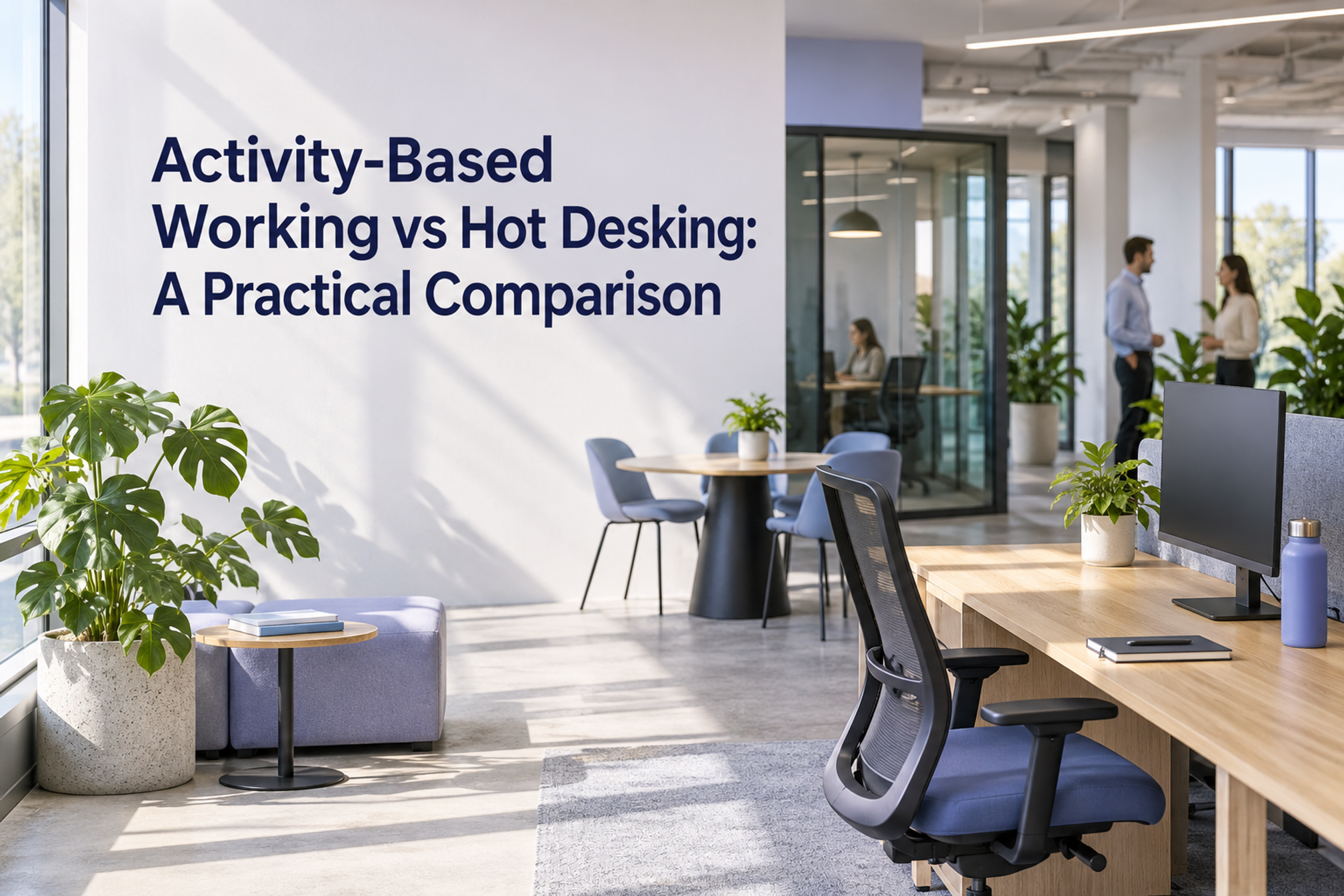
Activity-based working (ABW) provides a choice of shared work settings for different activities. Hot desking is the narrower practice of sharing unassigned desks. An office can use both: shared desks for routine work, plus other settings for concentration, calls and collaboration. The PuRE-net practice guide makes the distinction between sharing desks and providing varied settings for different activities.
For a hybrid team, choose the change by examining the work people need to do when they arrive. Use the copyable task-to-space audit below to test whether a suitable setting exists, can be accessed and supports the whole activity, including the move to the next one.
Activity-based working vs hot desking at a glance
- Main decision: hot desking changes how desks are allocated. ABW considers the range of settings people can choose for their work.
- What to specify: for shared desks, write the access, equipment, storage and reset rules. For ABW, also specify which activities each setting supports and how people move between them.
- What to test: a shared-desk test asks whether someone can obtain and use a suitable workstation. An ABW test also asks whether they can find a suitable place when the activity changes.
- What the label cannot tell you: neither term tells you whether there is enough suitable space at the time people need it. Check that in your own office.
Here, hot desking means sharing unassigned desks. Write down separately whether people choose on arrival or reserve ahead. This avoids relying on a label to explain your local access rules. Our desk booking comparison covers the separate choice between reserving space and sharing office-day plans.
What changes with activity-based working?
ABW involves more than a new mix of furniture. University College Dublin's workplace pilot presentation describes space, technology and behaviours together. It distinguishes sharing desks from sharing diverse settings and shows different expectations for focused work, informal conversation and calls.
Treat that as an institutional example, rather than proof that one office model will produce a particular result. For your team, a new setting should have an explicit purpose, working equipment, a clear access rule and a usable alternative when it is unavailable.
Team location is another decision. A neighborhood describes where a team has a home area; ABW describes how settings support activities. If the main question is keeping collaborators nearby, start with our office neighborhood guide.
Start with the activity that is failing
Ask people for a recent example of work that the office made difficult. Keep the task, setting and time together: “I could not hear a project review in the open area after lunch” is more useful than “we need better collaboration space.”
Use these situations as prompts for investigation:
- People can obtain a desk and complete their work there: test whether clearer shared-desk access and reset rules solve the remaining friction before commissioning a wider change.
- People have desks but cannot find a place for calls or concentrated work: investigate the missing setting, its availability and the conditions it needs.
- A suitable room exists but people cannot obtain it: inspect access and release rules before assuming another type of room is needed.
- A room works for people onsite but fails for a remote colleague: test the connection, sound, shared material and participation from both locations.
- The right people attend on different days: resolve the planned overlap for the activity before changing the floor layout.
These are diagnostic questions, not automatic recommendations. A single complaint may involve equipment, access, scheduling and space together. Record what happened before choosing the intervention.
Copyable task-to-space audit
Complete one record for each important activity people expect to carry out in the office. Include routine individual work as well as the collaboration that motivated the office day. Copy these fields into a shared document and repeat the record as needed.
This is an Officedays editorial worksheet. Its fields and decision rules are practical suggestions, not a validated assessment or a space-planning standard.
- Activity and output: [What will someone do, and what should be finished or decided?]
- People and participation: [Who is essential, who is onsite, and who will join remotely?]
- Timing and overlap: [When does the activity happen, how long is needed, and what else needs the same setting then?]
- Physical requirement: [What needs to be in this office, such as equipment, materials or collaborators?]
- Candidate setting: [Which existing desk, room or area could support it, and why?]
- Equipment test: [Which connections, displays, power, tools and materials must work? Who will test them?]
- Working conditions: [What sound, interruption, privacy and environmental conditions does the activity need?]
- Access rule: [How is the setting obtained, for what period, and how is it released?]
- Individual setup needs: [Which practical requirements must the setting accommodate? Confirm arrangements with the person and appropriate workplace owner without recording personal explanations here.]
- Transition and fallback: [What must move or be stored when the activity changes? What is the workable alternative if the setting is unavailable?]
- Observed result: [Could the activity be completed? Record the specific obstacle, setting and time, rather than a judgement about the person.]
- Change and retest: [What will change, who owns it, when will it be checked, and what would count as a usable result?]
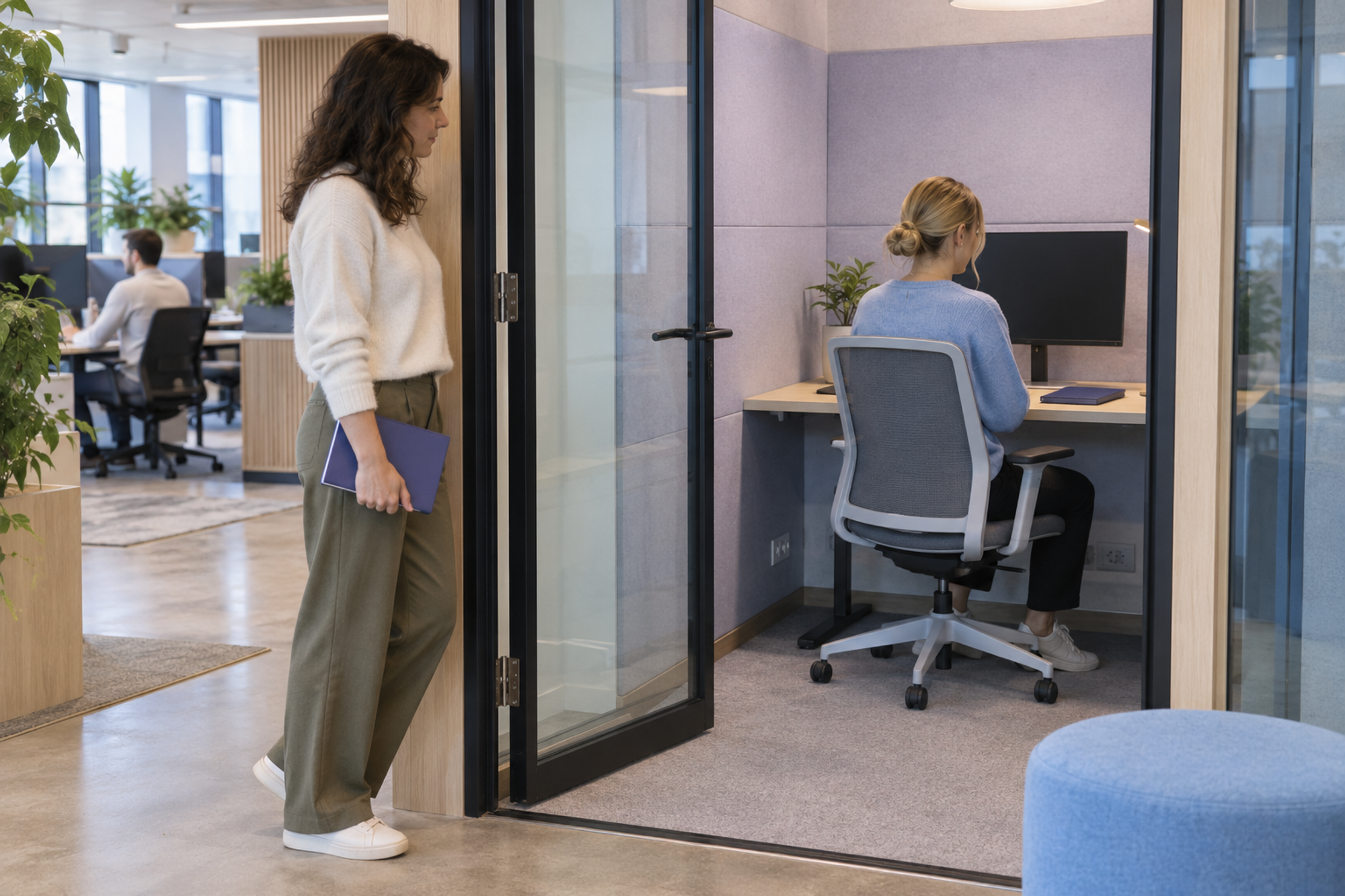
Fill in the fallback before testing. “Find another room” is incomplete if nobody knows which room, whether it supports the task or how to obtain it. A fallback might be a different suitable setting, a different agreed time or a redesigned activity. Confirm it with the people involved.
Keep individual arrangements in their appropriate process. The shared audit needs the practical requirement and an owner who can confirm it; it does not need a colleague's health details or a confidential conversation's content.
Test arrival, activity change and release
Walk through the audit with people who will actually use the setting. Choose an office day that includes the activity you are investigating, and check a busier period as well as a convenient empty-room demonstration.
1. Arrival: can someone start the work?
Have a participant find the setting using the instructions a new user would receive. Check access, equipment and the first working step. Record any missing cable, unclear rule or unavailable resource. A successful reservation is only the start of this check.
2. Activity change: can they move and continue?
Try the next real task. Can someone leave a shared desk, take the materials they need and start a call or review elsewhere? Check storage, reconnection and the alternative if the preferred setting is occupied. Agree how colleagues can find each other without assuming they stay at one desk.
For concentration space, make the intended sound and interruption rules explicit. The quiet zone rules template can help you write that part of the brief.
3. Release: is it ready for the next person?
Check what happens when the activity ends. Materials should go to the agreed place, equipment should be ready for the next user, and the setting's availability should be clear through your chosen process. Test this with the next participant, rather than assuming an empty chair means the setting is usable.
The UK Government Property Agency's 2026 workplace design guide asks for strategic briefs and operational requirements early in design, then includes handover walkthroughs and postoccupancy evaluation. Its government-estate scope differs from a private office, but the sequence is useful: define the need, prepare users and check the result in use.
Worked example: review together, then draft individually
This fictional example shows how the audit can change a modest office arrangement without assuming a full redesign.
Two colleagues plan to review a proposal in the office with a third colleague joining remotely. Afterwards, each needs time to write revisions. Shared desks are available, but the team has not checked the review setting.

The audit identifies two separate needs: a conversation everyone can hear and contribute to, followed by individual drafting with fewer interruptions. The small open table suits a quick onsite conversation, but the team still needs to test whether it supports the remote participant.
They test an existing enclosed meeting room with the joining colleague, confirm access to the shared proposal and use that room for the review. They agree where to record the decision and when to release the room. For drafting, they try the existing focus area under its published rules.
Their first change is a clearer plan for using existing settings. If testing reveals an unresolved sound, equipment or availability problem, the workplace owner records that specific gap and considers the next change. This example demonstrates a process; it does not claim a measured improvement.
Turn the audit into a decision
Group the records by the obstacle they reveal. Keep a separate line for each proposed change so the owner can see what it is intended to fix.
- Keep or clarify shared desks when the evidence points to allocation, setup or reset rules and the activities can already be supported.
- Test a different mix of settings when important activities repeatedly lack a suitable place. Specify the activity and conditions before selecting furniture or approving building work.
- Fix access or equipment when the right setting exists but cannot be used as intended.
- Adjust coordination when the activity lacks essential people at the same time, even though the physical setting is suitable.
For each change, write one observable check: “The remote reviewer can hear the discussion and edit the shared proposal,” or “A participant can obtain a suitable concentration setting during the period we tested.” Avoid treating furniture installed, desks removed or reservations made as evidence that the task worked.
Choose a review period that includes the work pattern you need to assess. Repeat the walkthrough after a change and record remaining failures. A successful small trial supports the next local decision; it does not establish a universal productivity gain or a desk-to-person ratio for other teams.
Connect the setting to the office-day plan
Once you know what the activity needs, confirm which colleagues plan to be in the office and arrange the setting through your workplace's access process.
Officedays in Slack helps teammates share planned office days and see one another's plans, with scheduled weekly prompts. Use that visibility to coordinate the people involved, while keeping the setting's booking, equipment and release arrangements explicit.
Sources and methodology
Sources checked on 15 October 2026. This is a practical comparison and editorial audit, not original empirical Officedays research. It combines primary guidance with a suggested worksheet and a clearly fictional example. No cost, productivity, adoption or space-saving estimates are used.
- Juriaan van Meel and PuRE-net, Activity-Based Working: The PuRE-net Practice Guide, hosted by Scottish Futures Trust. Printed pages 10 to 11 support the definition and its spatial, digital and social dimensions. No printed publication date was found in the consulted copy; PDF metadata dates it to 2019.
- University College Dublin, Me, my work, and my building, 2022 workplace pilot presentation. The file name identifies March; PDF metadata records creation in April 2022. Slides 3, 8 to 16 and 20 support the conceptual distinction and activity-specific planning examples. This is a historical university example, not an outcome study.
- UK Government Property Agency, Government Workplace Design Guide, dated 1 July 2026 on the GPA page. The design-process sections support requirements-led briefing, handover and evaluation. Its requirements concern the GPA estate; they are not presented here as rules for all employers.