Friday, August 7, 2026
Hybrid Meeting Checklist: Before, During, and After

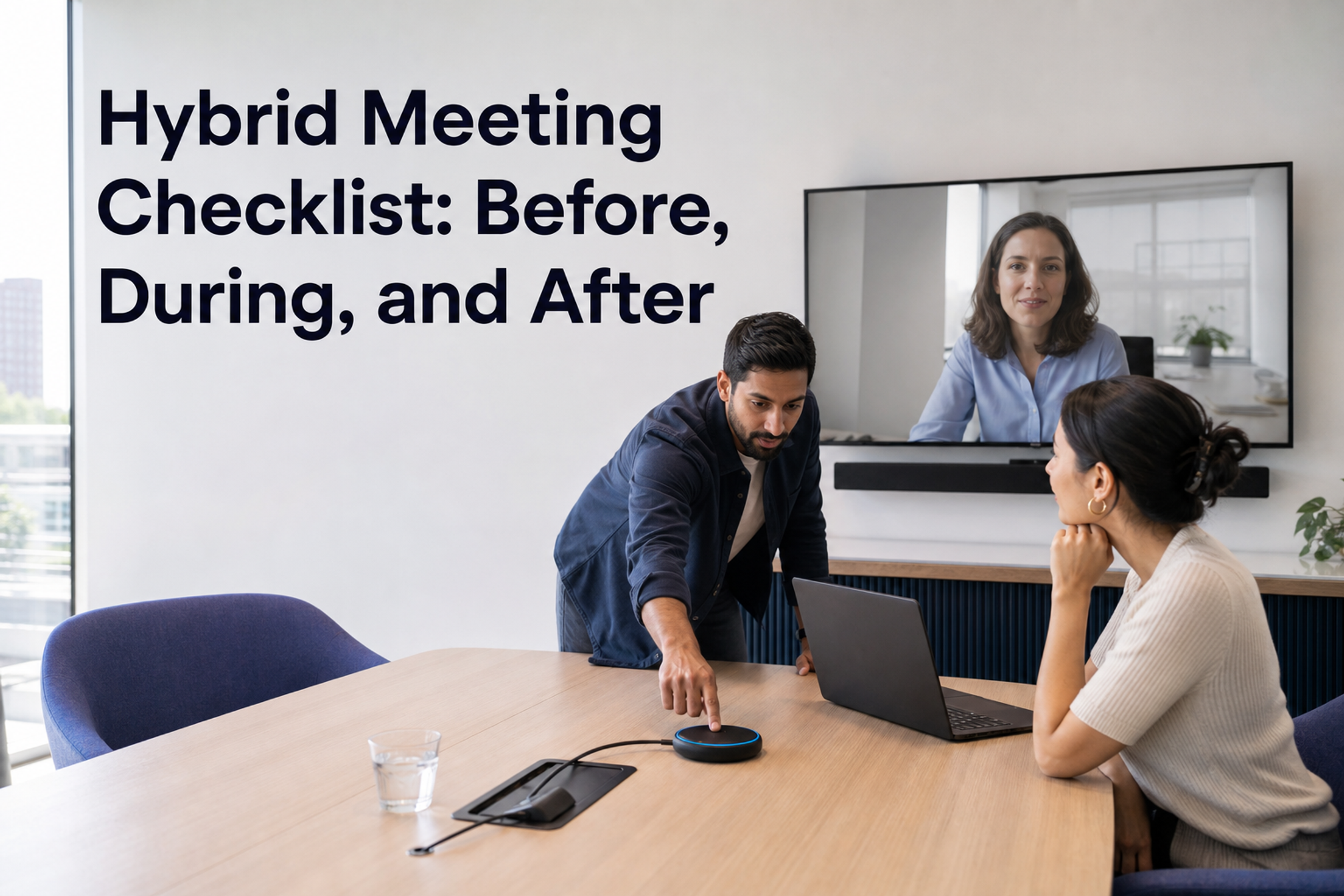
A useful hybrid meeting checklist covers the purpose, the room, the facilitation, and the follow-up. Before the meeting, choose the right format, confirm where people will join, test the room from the remote side, and assign clear roles. During it, use one speaking queue, make working material available digitally, and pause when remote participants lose access. After it, publish decisions and fix the first broken part of the experience.
Hybrid meetings create uneven access to conversational cues, physical resources, and the technology in the room. The Microsoft Research hybrid meetings guide describes those imbalances and recommends planning the format around the work, not treating hybrid as an automatic default.
Hybrid meeting checklist at a glance
This copy-and-use checklist has 28 checks across five moments. Use it for an ordinary team meeting, workshop, planning session, or office-day discussion. For a large event, add specialist production, venue, security, and accessibility support.
- Before scheduling: define the outcome, participants, format, timing, and shared workspace.
- At least one business day before: send both locations, share accessible material, assign roles, and name fallbacks.
- Ten minutes before: test audio, video, content, interaction, and recovery from outside the room.
- During: orient everyone, keep one conversation, monitor remote signals, and capture decisions.
- After: share the record, check the remote experience, and improve the room guide.
Choose the meeting format before the room
Start with the outcome. A hybrid format can be useful when some people benefit from being together while others need to join elsewhere. An all-online meeting may be simpler for routine information sharing or work that already happens in shared digital material. Microsoft Research also notes that not all collaboration needs a meeting, so test whether an asynchronous update would do the job.
If the purpose is to make in-person time useful, decide that purpose before filling the calendar. The office-day agenda template can help separate work that benefits from shared space from work people can do elsewhere.
Copy-and-use hybrid meeting checklist
1. Before you schedule it
- 1. Write the required outcome in one sentence.
- 2. Confirm that hybrid is the best format, not merely the familiar one.
- 3. Identify who expects to be in the room and who expects to join remotely.
- 4. Check time zones, working hours, and any known participation needs.
- 5. Create one shared working document that every participant can open directly.
2. At least one business day before
- 6. Put both the physical room and the online join instructions in the invitation. This is also recommended in the Canada hybrid meetings job aid.
- 7. Share the agenda and pre-reading in a format participants can access directly. W3C guidance on accessible events advises providing material in advance and not relying only on screen sharing.
- 8. Name the facilitator who owns the agenda and speaking flow.
- 9. Name a remote advocate who watches hand raises, chat, and signs that people cannot hear or see.
- 10. Name a notes owner who will capture decisions, actions, owners, and due dates.
- 11. State how people will enter the speaking queue and how decisions will be confirmed.
- 12. Prepare a fallback for failed room audio, a failed join path, and failed content sharing.
3. Ten minutes before: test from the remote side
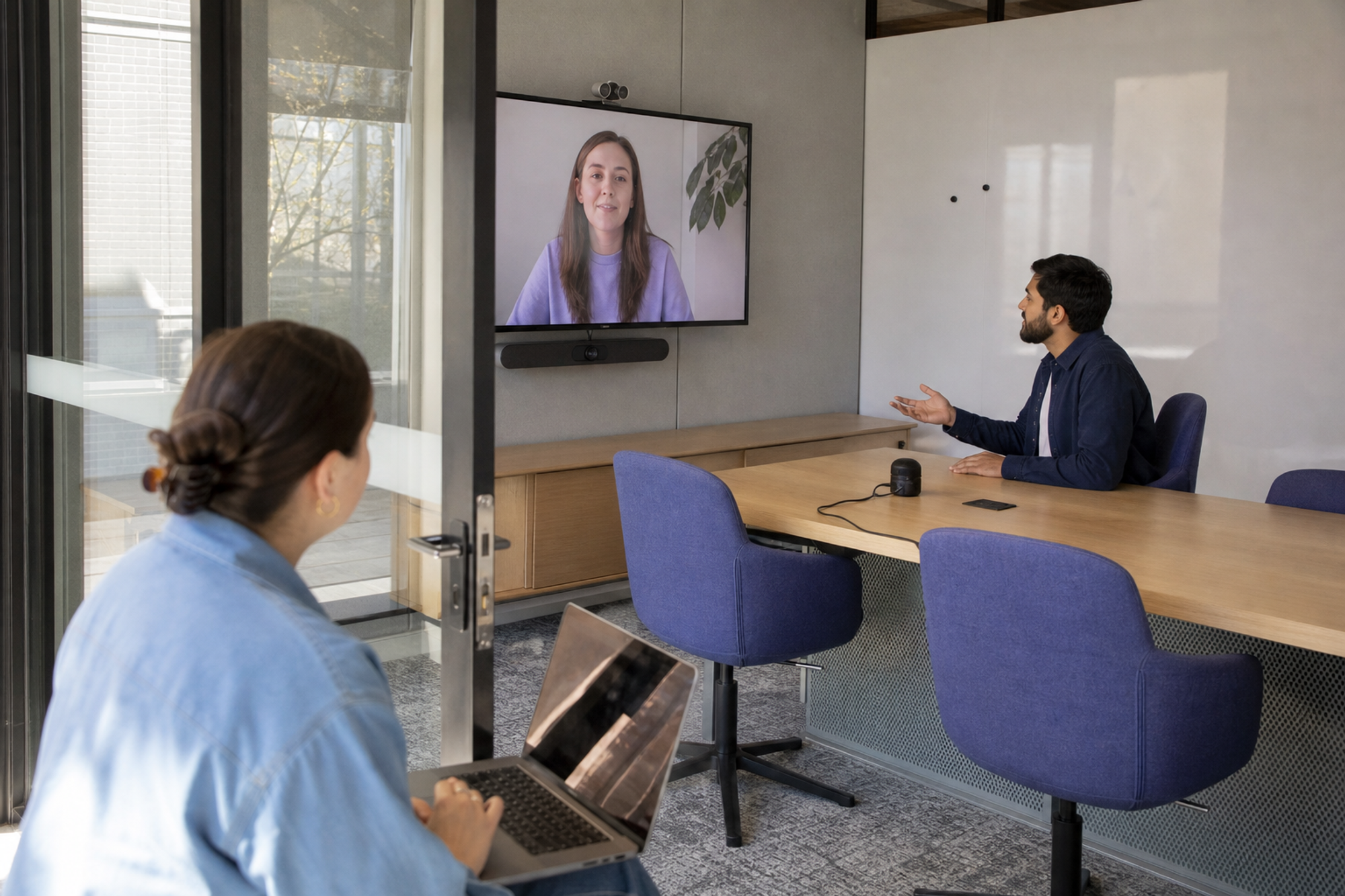
- 13. Ask one person to join from outside the room on the real meeting link.
- 14. Speak from the nearest and farthest planned seats, then ask what the remote listener actually hears.
- 15. Confirm that faces, the shared document, and any physical object needed for the meeting are visible remotely.
- 16. Confirm that only the intended room device is carrying room audio, so personal devices do not create feedback. The FDA hybrid meeting checklist also recommends one active room audio source.
- 17. Test the hand raise or agreed speaking signal, chat monitoring, and the backup join method.
- 18. Put the working-document link and fallback instructions somewhere every participant can reach without asking the room.
The IEEE hybrid meeting practices guide recommends testing microphones and speakers with someone outside the room, then retesting after a problem is corrected. Its examples focus on standards meetings and larger sessions, but the remote-side test applies well to an ordinary team room.
4. During the meeting

- 19. Open by restating the outcome, introducing in-room participants, and explaining how people will take turns.
- 20. Tell remote participants how they are seen and heard in the room, then ask them to confirm the actual audio and view.
- 21. Keep one speaking queue and make sure every relevant room comment reaches the room microphone.
- 22. Work in a shared digital artifact and describe important visual changes aloud. W3C presentation guidance recommends describing relevant visual information and repeating comments that did not reach the sound system.
- 23. Have the remote advocate monitor hand raises, chat, and connection problems without also leading the main discussion.
- 24. Stop side conversations and pause the meeting if remote participants lose the ability to follow or contribute.
- 25. State each decision aloud and record every action with an owner and due date.
5. After the meeting
- 26. Share decisions, actions, and the location of the notes in the same channel used for the invitation.
- 27. If a recording or transcript was used, confirm where it belongs and follow your organization policy and applicable requirements.
- 28. Ask one remote and one in-room participant what failed first, then update the room quick-start guide.
Assign four lightweight roles
Hybrid meetings usually need more active coordination than a single-room conversation. Name four responsibilities in the invitation, even if one person holds more than one role.
- Meeting owner: defines the outcome, decides who is needed, and approves the final decision record.
- Facilitator: runs the agenda, manages time, and keeps a single conversation.
- Remote advocate: watches the online participation channel and interrupts when access breaks.
- Notes owner: captures decisions, actions, owners, and dates in the shared document.
The Canadian job aid recommends a co-facilitator for chat and online participants. IEEE uses a queue-manager role to blend in-room and remote speaking signals. These are compatible ideas: one person protects the remote route into the conversation while the facilitator protects the flow.
Copyable invitation and facilitator handoff
Paste this structure into the calendar invitation or planning message:
- Outcome: By the end, we will have decided or produced [result].
- Format: Hybrid, with [expected group] in [room] and [expected group] online.
- Join: [online link] and [dial-in or backup route].
- Material: [shared document link], available before the meeting.
- Participation: Use [hand raise or named queue]. Remote participants are invited into each decision before it closes.
- Roles: Owner [name], facilitator [name], remote advocate [name], notes [name].
- Fallback: If room audio or connection fails, we will [switch all-online, move rooms, or reschedule the decision].
At handoff, the owner confirms the outcome and constraints. The facilitator confirms the agenda and speaking method. The remote advocate confirms the view, sound, and interaction route. The notes owner confirms where the decision record will live.
Run the ten-minute room test from the remote side
A test from inside the room proves that the equipment starts. It does not prove that remote participants can understand the room. Use a real remote listener and the same path the meeting will use.
- Join: enter on the published link from outside the room and confirm that the room can admit the participant.
- Listen: speak from each likely seat, overlap two voices briefly, and identify weak pickup areas.
- Look: confirm that faces and shared content are readable, and that a physical whiteboard is not the only record.
- Interact: test the speaking signal, chat route, and how the facilitator will notice a remote interruption.
- Recover: disconnect one route and rehearse the chosen fallback without inventing it under pressure.
Record the first failure, the fix, the room, and the date. A one-line room note is more useful than a generic instruction to test the technology.
Use a clear fallback when something fails
Remote participants cannot hear the room
Pause the substantive discussion. Confirm the intended room microphone and speaker, mute duplicate audio sources, and move speakers closer to known pickup areas. If audio cannot be restored quickly, switch the group to individual online audio, move rooms, or reschedule the decision.
Remote participants cannot see the working material
Share the accessible source document directly and describe important visual changes aloud. Do not make a distant camera view of a whiteboard the only route to the work. Capture physical notes in the shared document before the meeting moves on.
The room loses its connection
Use the named backup host or device. If only remote participants have lost access, pause the room conversation. Move the remaining meeting online when equal access cannot be restored.
One remote participant is repeatedly missed
Return to one speaking queue. Have the remote advocate call the next remote speaker, and let the facilitator stop side conversations before reopening discussion.
Treat accessibility as a planning input
Accessibility needs vary by participant and context. W3C accessibility guidance recommends asking participants about accessibility requirements, providing material ahead of time, using good microphones, and describing relevant visuals.
This is an operational checklist, not a legal or compliance standard. Ask participants what they need, follow applicable organizational requirements, and use specialist accessibility support where appropriate.
Connect the meeting to the office-day plan
A reliable room is only useful when the right people know where to join. Use an office-day overlap worksheet to identify when collaborators can be together, and use core collaboration hours when the live window matters more than location.
Record recurring meeting norms in a hybrid work team agreement. Keep the weekly location plan separate and current so a permanent agreement does not become an inaccurate attendance roster.
Officedays helps Slack teams share planned office days and see who expects to be in on each weekday. Use that visibility to choose the room and format, then use this checklist to make the meeting work for everyone who joins.
Common hybrid meeting mistakes
- Testing only from inside the room, where the sound and view are completely different.
- Using a physical whiteboard as the source of truth while remote participants see only a camera view.
- Asking the main facilitator to lead the agenda, watch chat, diagnose audio, and take notes at once.
- Choosing hybrid for a routine broadcast that could be an update or an all-online meeting.
- Ending with a discussion summary but no explicit decisions, owners, or due dates.
Sources and methodology
This article is an Officedays operational synthesis of public guidance, not original research. Sources were selected for first-party workplace research, government practice guidance, accessibility expertise, and standards-meeting operations. The checklist adapts those principles to ordinary team meetings. It does not report survey results or performance statistics. Sources and live links were checked on August 7, 2026.
- Microsoft Research hybrid meetings guide, published September 9, 2021. Workplace research and practice guidance with global relevance; no study sample is reported on the guide page.
- Canada hybrid meetings job aid, published March 16, 2023. Canadian federal public-service practice guidance; no study sample.
- IEEE hybrid meeting practices guide, September 2024. International standards-meeting operations guidance with room, network, role, and testing examples; no research sample.
- W3C accessible events checklist, updated August 31, 2022. Global web-accessibility practice guidance for remote, in-person, and hybrid sessions; no research sample.
- FDA hybrid meeting checklist, content current as of March 22, 2023. U.S. federal workplace room guidance for Microsoft Teams, used here only for the single-audio-source principle; no research sample.