Wednesday, September 30, 2026
Hybrid Mentoring: In-Person vs Remote Sessions

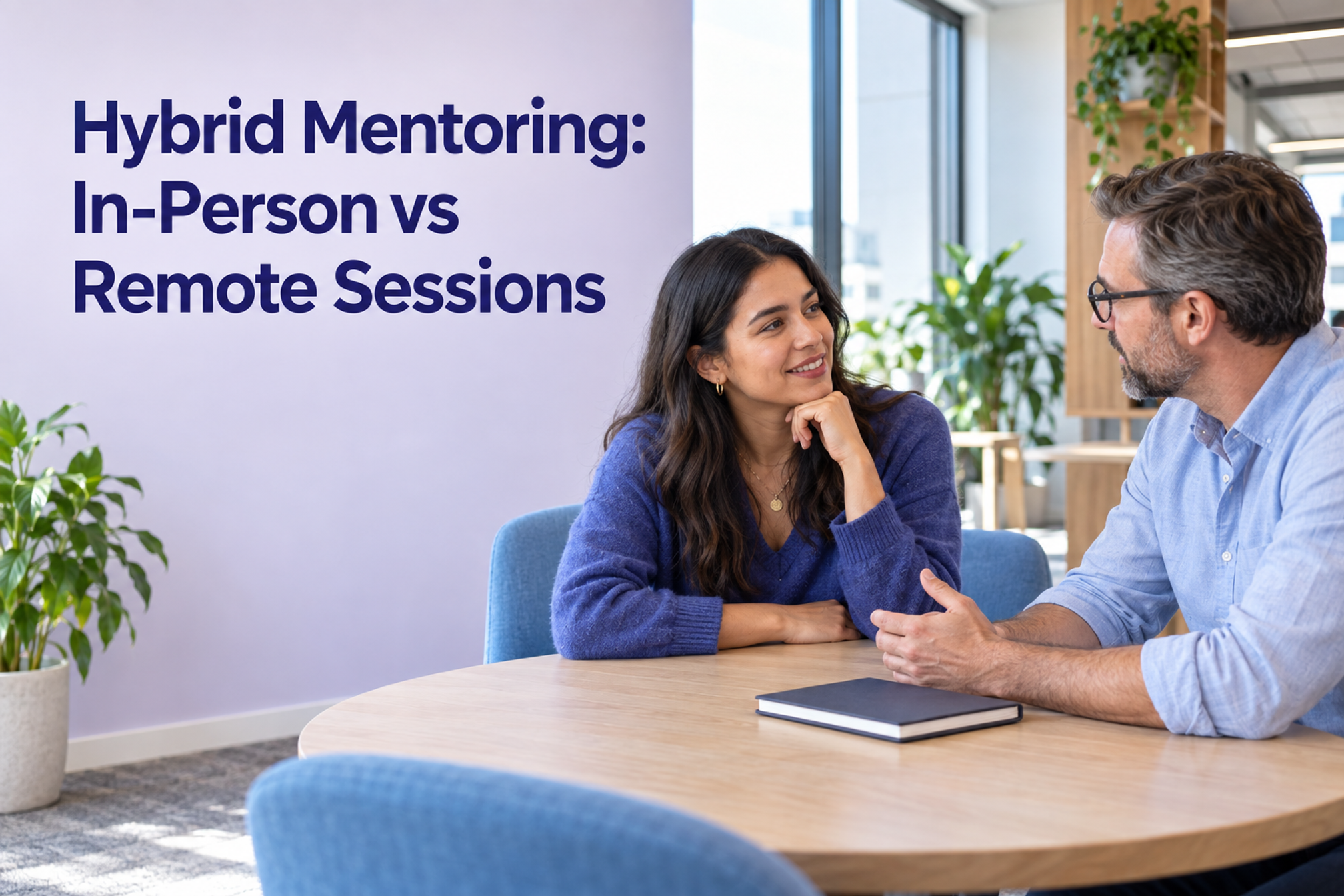
Hybrid mentoring uses in-person and remote sessions to support a person's development. Choose the format for each session by its purpose, the materials you need, and whether both people can participate well. Reserve shared office time for a clear activity, keep a remote fallback ready, and finish with something the mentee will practise.
Here, hybrid means combining meeting modes across a mentoring relationship. It does not mean that every conversation must have someone in a room and someone on a screen. The decision guide below helps People Ops teams, managers, mentors, and mentees choose a workable format without turning office attendance into the goal.
Start with the mentoring goal
The CIPD mentoring definition describes a more experienced colleague sharing knowledge to support another person's development. It also emphasizes listening, questioning, and learning for both participants. A useful mentoring conversation therefore needs room for the mentee to think, rather than a stream of instructions.
Write a goal that names a capability the mentee wants to develop. For example: explain a project trade-off clearly, lead a stakeholder conversation, or make a reasoned recommendation with incomplete information. Agree what work or practice would let the pair discuss progress.
If the immediate need is finding a process owner or getting access to a system, route that question to the appropriate support contact. A hybrid onboarding checklist can help organize those early needs. A mentoring relationship can continue beyond onboarding and focus on a different development goal.
In-person vs remote mentoring: choose by the session
There is no universal meeting mode recommended here. Use these trade-offs as an editorial planning guide, then check them with the people involved.
In-person sessions
Consider meeting in person when both people can comfortably attend and the activity involves a real workspace, a shared physical object, or an introduction to someone at that location. A workplace walk-through or a practice session using office equipment has a concrete reason to be there.
Before booking, identify the activity and find a suitable space. A sensitive development conversation needs somewhere the pair can speak without being overheard. If the reason is simply that both people happen to be in, ask whether a focused conversation is actually possible that day.
Microsoft's hybrid-work guidance, published in 2021, recommends coordinating office overlap and using in-person time for relationship-building and activities that benefit from being together. This is historical general guidance, not a study proving that in-person mentoring is always better.
Live remote sessions
Consider a video or audio conversation when the pair needs back-and-forth discussion but does not need the same physical setting. Reviewing a recommendation, rehearsing an explanation, or reflecting on a difficult work interaction can be planned around a shared document and a live conversation.
Check that both people have access to the materials and an appropriate place to talk. Agree how to continue if the connection fails. Avoid making the mentee wait for the next shared office day when the learning activity can happen remotely.
Asynchronous support between sessions
Consider a written exchange when the mentee needs time to prepare a question, the mentor is reviewing a specific piece of work, or schedules do not overlap. Agree when a response is expected and what should move to a live discussion if written replies become unclear.
In its mentoring handbook, GitLab documents both synchronous and asynchronous formats, including shared documents and recorded messages. It also asks mentees to lead conversations around their goals. This is a first-party operating example from an all-remote organization, not evidence of a particular outcome for every hybrid team.

A reusable session-format decision guide
Use the following six situations when planning the next session. These are suggested starting points, not a validated assessment tool. Each one includes a format, preparation, and a learning step so the choice has a practical consequence.
1. Build an initial connection
Suggested format: a live conversation in a mode both people can use comfortably. Meet in person if shared office time is convenient; use video or audio if it is not.
Prepare: each person brings one development interest and one preference about how they like to receive feedback. Discuss what the relationship should help with and what sits outside its scope.
Finish with: one agreed goal and a next session that does not depend on an unconfirmed office day.
2. Review a draft or recommendation
Suggested format: send the material ahead, then use a live remote or in-person conversation for the difficult questions. Use asynchronous comments alone if the questions are specific and both people prefer that approach.
Prepare: the mentee identifies the decision or explanation they want feedback on. The mentor reviews the same version and checks which assumptions need discussion.
Finish with: a revision the mentee will make and a reason for that change. The mentor should help the mentee develop their reasoning, rather than simply rewriting the work.
3. Observe a workplace interaction
Suggested format: attend the real interaction in its normal mode, where participation is appropriate and agreed with the people involved. A remote stakeholder call does not need to become an office meeting for the sake of mentoring.
Prepare: agree what the mentee will watch for, such as how the mentor asks clarifying questions. Confirm that observation is permitted and avoid exposing material the mentee should not access.
Finish with: a short debrief and one technique the mentee will try in an appropriate future interaction.
4. Rehearse a conversation
Suggested format: live remote or in person, depending on availability and the situation being practised. Reserve a suitable room if speaking freely would disturb others or reveal a private concern.
Prepare: choose one realistic scenario and the response the mentee wants to practise. Agree whether feedback should come during the rehearsal or afterwards.
Finish with: a second attempt using one specific adjustment, followed by the mentee's own reflection.
5. Discuss a sensitive development question
Suggested format: whichever live mode provides an appropriate private setting for both people. Being in the office does not automatically make a space suitable.
Prepare: agree what notes will be kept, who can see them, and what may be shared outside the pair. Follow the organization's existing reporting and support processes; avoid promising unrestricted confidentiality.
Finish with: an agreed next step or a referral to the appropriate person when the issue needs support beyond the mentoring relationship.
6. Reflect after trying a new skill
Suggested format: a short written reflection followed by a live conversation if interpretation or follow-up questions need discussion.
Prepare: the mentee brings an example of what they tried, what happened, and what they would change. Use an approved summary if the original work cannot be shared.
Finish with: the next practice opportunity, or a decision to adjust the learning goal.
Copy-and-use hybrid mentoring brief
Keep this in a document the pair can access in both locations. Complete it together and revisit the fields when the goal or availability changes.
- Development goal: [Capability the mentee wants to develop and why it matters to their work.]
- Practice evidence: [A work example, rehearsal, or reflection the pair will use to discuss progress.]
- People and scope: [Mentor, mentee, relevant experience, and topics outside the relationship.]
- Session pattern: [Agreed frequency, duration, time zone, and who schedules the next conversation.]
- Default format: [Live remote, in person, or a planned combination, with the reason for that choice.]
- Office activity: [Specific activity that needs or benefits from a shared location, if any.]
- Preparation: [What the mentee sends, where it is stored, and when the mentor will review it.]
- Between-session contact: [Channel, expected response window, and when to request a live discussion.]
- Privacy and sharing: [Permitted notes, access, agreed progress summaries, and relevant organizational processes.]
- Fallback and cancellations: [How the pair switches format or reschedules without losing the next learning step.]
- Review point: [When to check fit, workload, progress, and whether to continue, change, or close the relationship.]
GitLab's mentoring expectations include written goals, revisiting progress, and clear boundaries between mentoring and management. Use those ideas as a reference while agreeing a brief that fits your own workplace. The fields above are Officedays editorial suggestions.

Worked example: learning to explain a project trade-off
Consider a fictional hybrid product colleague who wants to explain trade-offs more clearly. Their mentor has relevant experience but works in another team. They sometimes share a Wednesday office day, but their schedules can change.
The goal is to produce a short recommendation that names the options, assumptions, and reasoning. The pair chooses a sequence around that work:
- Prepare asynchronously. The mentee shares an approved draft and identifies the part they find hardest to explain. The mentor reviews it before the agreed discussion.
- Discuss remotely. They use a live call to test the assumptions and ask what a stakeholder would need to understand. The mentee chooses the changes to make.
- Rehearse on a shared office day. If both people are attending, they use a booked private room to practise the explanation. If office overlap changes, they run the same rehearsal remotely.
- Reflect after the real conversation. The mentee records what questions arose and what they would explain differently next time. They share only information appropriate for the mentoring relationship.
The example illustrates how the formats connect. It is not a customer case study or evidence that this sequence improves performance. The office session has a purpose, and a cancellation does not erase the practice opportunity.
Make office overlap useful without making it a prerequisite
Match mentors to the development need, relevant experience, willingness, and workable availability. Once the pair is chosen, look for useful office overlap. Starting with desk proximity alone leaves the learning goal unanswered.
Use an office-day planning worksheet when several collaborators need coordinated time. For a mentoring pair, a simpler check may be enough: confirm the people, location, activity, and fallback before either person travels for the session.
Officedays lets colleagues share planned office days and see others' plans in Slack. If that visibility would help your mentoring pairs coordinate, explore the Officedays plans; usual office days are included in Pro. Put the mentoring goal and private notes in the pair's agreed workspace, and use the office-day plan to coordinate location.
Review learning and access, not just meetings held
At the review point in the brief, ask the pair:
- Can the mentee describe something they tried or now understand differently?
- Did the chosen formats let both people participate and use the required materials?
- Were sessions repeatedly postponed while waiting for office overlap?
- Was preparation and follow-up manageable alongside normal work?
- Does the pair want to continue, change the goal or format, or close the relationship?
For People Ops teams running several pairs, invite feedback about access and scheduling through an appropriate channel. Ask permission before sharing a person's learning examples. A count of completed sessions records activity; it does not by itself establish that learning took place.
Sources and methodology
Sources were checked on 30 September 2026. This guide combines public professional guidance, a first-party operating example, and historical hybrid-work guidance with an Officedays editorial decision guide. It contains no empirical statistics or original Officedays research. The brief, suggested formats, and worked example are practical proposals rather than tested outcome claims.
- Coaching and mentoring, CIPD, 11 August 2025. Professional guidance marked for all locations. Used for the definition and learning focus of mentoring; no single research sample.
- Mentoring at GitLab, GitLab handbook, last modified 4 August 2026. Global all-remote operational practice. Used for mentee-led preparation, written goals, boundaries, and synchronous or asynchronous support; not a controlled evaluation.
- Suggestions for hybrid work, Microsoft Research, 9 September 2021. Historical general research guidance. Used for office overlap and activity fit, not a mentoring comparison or a recommended number of office days.