Wednesday, August 19, 2026
Hybrid Onboarding Checklist: A 30-Day Plan for New Hires

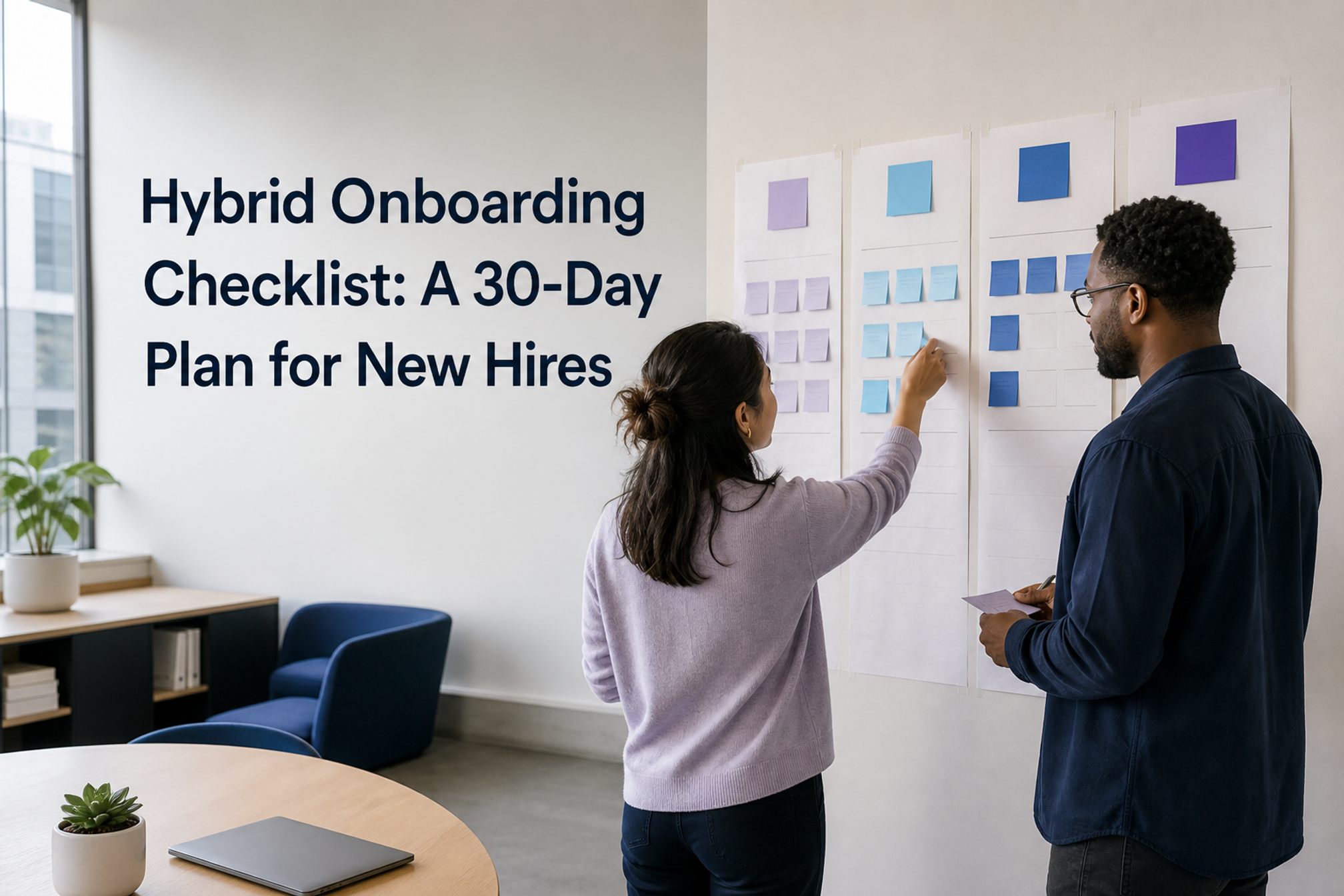
Hybrid onboarding works best when the checklist coordinates people, place, access, and useful work. Before the start date, give the new hire a location-aware first-week plan, working access, a named buddy, and one small outcome. Then use the first 30 days to widen their network, practise team routines in both locations, and close gaps through short check-ins.
The aim is not to fill every hour. It is to make the next useful step, the right person, and the right place obvious.
Hybrid onboarding checklist at a glance
- Before the start date: confirm the first-week location plan, equipment, accounts, office access, buddy, and first useful task.
- Day 1: test access, explain how the team works, introduce support routes, and agree on the first outcome.
- Days 2 to 5: mix role practice, relationship-building, focused learning, and feedback across office and remote days.
- Weeks 2 to 4: repeat real workflows, widen the relationship map, remove friction, and review the location pattern.

Start with four outcomes, not a calendar
A Monday-to-Friday grid is useful only after you know what the new hire needs to accomplish. Build the plan across four tracks, then choose the location that supports each activity.
1. Access and logistics
- Working accounts, identity checks, equipment, security guidance, office entry, desk access, and a clear support route.
- A tested setup in every location where the person is expected to work.
2. Context and expectations
- Role purpose, decision rights, immediate priorities, communication norms, working hours, and the current hybrid work team agreement.
- A written explanation of what good progress looks like after one week and after 30 days.
3. Relationships and support
- A manager, a buddy, role peers, key partners, and a named backup for urgent access or process questions.
- Introductions with a purpose, such as learning a workflow or understanding a decision, rather than a calendar full of greetings.
4. Practice and feedback
- A small real task, safe opportunities to shadow or pair, and a review point soon enough to correct misunderstandings.
- A place to record questions, decisions, missing documentation, and follow-up owners.
Copy-and-use 30-day hybrid onboarding checklist
Before the start date
- Confirm the employee’s start date, expected work pattern, time zone, hours, and any approved adjustments through the appropriate People or HR process.
- Send the first-week plan to a personal email address. Include each activity’s time, location, purpose, host, access instructions, and contact details.
- Provision and test email, messaging, video, file access, role tools, office entry, and the equipment required in each location.
- Confirm where the new hire should arrive or log in, how to get help, and what to do if access fails.
- Assign a manager, onboarding buddy, and IT or operations contact. Name a backup for each critical first-week responsibility.
- Choose one small, useful piece of work that can be explained, attempted, reviewed, and improved during the first week.
- Use the office-day overlap worksheet to place introductions and shadowing when the relevant people are actually available.
- Ask the new hire what would make the first week easier to navigate, including preferred communication and any missing practical information.
Day 1
- Welcome the person with a clear agenda and explain which parts are fixed, flexible, or optional.
- Test the access path before starting a long orientation session. Record every blocker and assign an owner.
- Explain the role, the team’s current priorities, and the first-week outcome in plain language.
- Introduce the manager, buddy, and support contacts. Explain what each person can help with.
- Show where decisions, policies, procedures, schedules, and questions are documented.
- Complete a small orientation task that uses a real tool or workflow.
- End with a short check: what is clear, what is blocked, who is missing, and what happens tomorrow?
Days 2 to 5
- Schedule role training around a real workflow, with time to try the work rather than only watch it.
- Meet the people who provide inputs, approve decisions, receive outputs, or unblock common problems.
- Use an office day for activities that benefit from physical access or concentrated relationship time, not simply because the calendar says office.
- Use a remote day to practise the team’s written, asynchronous, and video-based ways of working.
- Apply the hybrid meeting checklist to any session that mixes room and remote participants.
- Review the first real task, give specific feedback, and agree on the next version or next small outcome.
- Capture missing documentation while the questions are still fresh.
- Hold an end-of-week review and adjust the second week based on evidence, not assumptions.
Weeks 2 to 4
- Repeat a core workflow with less help and document where the process still depends on unwritten knowledge.
- Widen the relationship map beyond the immediate team, but give each introduction a useful purpose.
- Let the new hire shadow one decision, one handoff, and one customer or stakeholder interaction when appropriate for the role.
- Check whether the buddy cadence is useful and whether a different expert or additional backup is needed.
- Review whether office days are delivering access, practice, or relationships that are hard to obtain remotely.
- Invite feedback on access, clarity, workload, meetings, documentation, and inclusion in both locations.
- Agree on the next 30 or 60 days, including outcomes, support, learning, and the working-location rhythm.
- Close or reassign every open onboarding blocker with an owner and date.

Choose each location by activity
Do not treat the office as the relationship location and home as the focus location by default. Start with the activity, the people and resources it needs, and the most inclusive way to run it.
Good candidates for an office day
- Building access, workplace orientation, equipment that only exists on site, or learning how shared spaces operate.
- Shadowing work that depends on physical materials, facilities, or an in-person service environment.
- Several purposeful introductions that can happen with strong team overlap.
- A workshop or practice session where the group has deliberately chosen in-person participation.
Good candidates for a remote day
- Focused reading, self-paced training, documentation, and a first draft that benefits from quiet.
- Practising the team’s normal asynchronous updates, written decisions, and remote support routes.
- One-to-one sessions where both people can join with equal audio, video, and document access.
- Tasks that should work from any approved location once access is configured.
Sample first-week hybrid schedule
This example assumes two office days. Change the pattern to match the role, policy, access needs, and actual coworker availability.
- Monday, office: manager welcome, access test, workplace orientation, buddy meeting, team context, and the first small task.
- Tuesday, remote: documentation and tool practice, IT follow-up, two purposeful introductions, and a written questions log.
- Wednesday, office: shadow a real workflow, meet a key partner, attempt the first deliverable, and debrief with the buddy.
- Thursday, remote: revise the deliverable, practise asynchronous updates, complete focused learning, and request feedback.
- Friday, flexible: review the first outcome, close blockers, confirm next week’s plan, and decide whether the location mix needs to change.
Assign three clear owners
Manager
Own role clarity, priorities, introductions, the first useful outcomes, and feedback. The manager should not outsource the meaning of the role to a checklist.
Onboarding buddy
Own the informal route to help, navigation through team habits, and regular human contact. GitLab’s onboarding buddy playbook assigns the manager responsibility for choosing a buddy, recommends an early call, regular first-month check-ins, and backup coverage when the buddy is unavailable.
People, IT, or workplace operations
Own the relevant employment process, accounts, equipment, office access, and escalation routes. The MIT hybrid onboarding guide recommends arranging hardware and IT support in advance, explaining work schedules and communication agreements, and scheduling the people and training a new hire needs.
Keep relationship growth visible
A welcome meeting is not the same as a working network. A 2023 Microsoft employee-network study analysed telemetry from more than 10,000 Microsoft employees who joined in the first three months of 2022. New hires expanded their networks over time, but their network statistics still differed from tenured employees after the six-month period studied. The study does not prove that one onboarding checklist fixes the gap. It does support treating relationship-building as continuing work.
Use a simple relationship map and review it weekly during the first month:
- Manager: priorities, decisions, and feedback.
- Buddy: navigation, informal questions, and team habits.
- Role peer: day-to-day practice and quality standards.
- Upstream partner: the person or team that provides important inputs.
- Downstream partner: the person or team that uses the new hire’s work.
- Expert or community contact: a route to deeper context outside the immediate team.
First-party examples also favour blended checkpoints. A Government of Canada review reports that Transport Canada piloted pre-start email updates, an in-person first-day event, and first-year touchpoint surveys. It also reports that an Environment and Climate Change Canada branch explored a buddy system and updated its onboarding for current digital tools. These are programme examples, not proof that every organisation should copy the same design.
Common hybrid onboarding mistakes
- Copying a remote checklist and adding one office tour, without deciding what each location contributes.
- Putting every introduction on the first day, when the new hire has no context for why the relationships matter.
- Naming a buddy without defining availability, purpose, cadence, or backup.
- Scheduling office days when the manager, buddy, or role peers will not be present.
- Delaying real work for weeks, which makes it harder to test access, context, and feedback routes.
- Measuring completed tasks only, while blockers, relationships, and confidence remain invisible.
30-day review card
Use these questions with the new hire and manager. Keep the answers short enough to turn into actions.
- Can the new hire complete a core workflow in every approved work location?
- Do they know what good work looks like and where to find current decisions?
- Can they name the right person for common role, access, and process questions?
- Which relationship is still missing or too dependent on the manager?
- Which office activities were worth coordinating in person?
- Which remote activities exposed gaps in tools, documentation, or communication?
- What should stop, start, or change during the next 30 days?
- Who owns each remaining blocker, and when will it be reviewed?
Keep the weekly plan visible
Even a carefully planned first month will change when a meeting moves, an expert is away, or the new hire needs more practice. Keep the usual pattern clear, then update the specific week so coworkers can coordinate useful overlap.
Officedays helps hybrid teams share planned office days and see who expects to be in, directly in Slack. Use Officedays in Slack to make the location plan visible, while keeping role expectations, employment decisions, and personal circumstances in the appropriate People processes.
Sources and methodology
This article is a practical synthesis, not original Officedays research and not legal, HR, accessibility, security, or compliance advice. Sources were last checked on 19 August 2026. We preferred primary research and first-party operational guidance, separated observed evidence from programme examples, and used recommendations only within the limits of each source.
- Microsoft employee-network study, published April 2023. Telemetry covered more than 10,000 Microsoft employees who joined in the first three months of 2022 and followed network measures across a six-month onboarding period. The landing-page abstract does not state a geography.
- GitLab onboarding buddy playbook, last modified 30 June 2026. This is first-party operational practice from an all-remote company, not a controlled evaluation.
- MIT hybrid onboarding guide, publication date not displayed. This is institution-specific manager guidance and notes that it was adapted in part from a Workable checklist.
- Government of Canada review, covering the 2023 to 2024 Digital Talent Strategy year. It reports Canadian federal public-service pilot activities and does not provide a comparison sample for the onboarding examples.
- NSW remote onboarding tip sheet, publication date not displayed. We used its first-week planning, buddy, access, and expectations checklist as dated Australian public-sector guidance, not as current outcome evidence.